





Did you know that by 2024, online videos will make up more than 82% of all consumer internet traffic? This massive shift means brands must produce professional clips faster than ever to stay relevant.
Finding the right software often feels overwhelming with so many options available today. Both platforms offer smart automation features that change simple text into nice visual stories in minutes.
Selecting between these two giants depends heavily on your specific workflow and creative goals. We will look at how efficiency and style play a role in helping you find the perfect match.
Key Takeaways
- Define your specific content goals before picking a software.
- Evaluate how automation fits into your current daily workflow.
- Look for features that turn blog posts into visual media.
- Check the library of stock assets provided by each platform.
- Compare the editing flexibility for advanced or basic projects.
- Focus on the ease of use if you are a beginner.
1. The Rise of AI-Powered Video Creation Software
The advent of AI-powered video creation tools has revolutionized the way we produce and consume video content. This technological advancement has made it possible for individuals and businesses to create high-quality videos with minimal effort and expertise.
AI automation in video creation software enables users to generate professional-looking videos quickly. This is achieved through various features such as automated editing, text-to-video conversion, and the use of pre-designed templates. As a result, the time and resources required to produce engaging video content have significantly decreased.
Key Benefits of AI-Powered Video Creation:
- Speed: AI tools can automate many tasks, reducing production time.
- Efficiency: Automated processes minimize manual labor, allowing for more content to be produced in less time.
- Accessibility: These tools make video creation accessible to those without extensive video editing experience.
The table below highlights some of the main advantages of using AI-powered video creation tools over traditional methods.
| Feature | Traditional Video Creation | AI-Powered Video Creation |
|---|---|---|
| Time Required | Several days or weeks | A few hours or minutes |
| Expertise Needed | High level of video editing skills | Minimal video editing skills required |
| Cost | High costs for equipment and labor | Lower costs due to automation |
As AI technology continues to evolve, we can expect AI video creation tools to become even more sophisticated, offering enhanced features and capabilities. This will further democratize video content creation, enabling more individuals and businesses to produce high-quality, engaging videos.
2. What is Pictory?
The world of video creation is witnessing a significant shift with tools like Pictory. Pictory is an AI-powered video creation tool designed to transform text and long videos into short, engaging content without requiring extensive editing skills.
Overview of Pictory
Pictory utilizes AI technology to automate the video creation process. It’s particularly useful for marketers, businesses, and content creators looking to produce high-quality videos quickly. With Pictory, users can create engaging videos that capture their audience’s attention.
Core Features of Pictory
Pictory boasts an impressive array of features that make video creation a breeze. Some of the core features include:
- Text-to-Video Conversion: Pictory can convert text-based content into videos.
- Video Summarization: It can summarize long videos into shorter clips.
- Customization Options: Users can customize their videos with various templates, stock media, and more.

Pictory Strengths
Pictory’s strengths lie in its ease of use and the quality of output it produces. It’s particularly beneficial for those without extensive video editing experience. As noted by users, “Pictory has revolutionized our content creation process, allowing us to produce engaging videos in minutes.”
“Pictory has made it incredibly easy for us to create high-quality videos for our marketing campaigns.”
Pictory Limitations
While Pictory offers a lot of benefits, it may have limitations in terms of customization for advanced users and the quality of the AI-generated content. Some users might find that the output, while good, doesn’t fully capture the nuances they desire.
3. What is InVideo?
InVideo has emerged as a powerful tool in the realm of AI-driven video creation. It offers a comprehensive solution for individuals and businesses looking to produce high-quality videos without extensive editing experience.
3.1. Overview of InVideo
InVideo is a template-based video editor that focuses on creative customization and professional-looking results. It is designed to cater to a wide range of video creation needs, from social media clips to professional marketing videos.
3.2. Core Features of InVideo
InVideo’s core features include a vast template library, AI-powered editing capabilities, and a wide range of customization options.
- Template Library: InVideo offers a diverse template library that caters to various video creation needs, including social media posts, marketing videos, and explainer videos.
- AI-Powered Editing: The platform utilizes AI to simplify the editing process, allowing users to create professional-looking videos with minimal effort.
- Customization Options: Users can customize their videos extensively, including text overlays, transitions, and background music.
3.3. InVideo Strengths
InVideo’s strengths lie in its ease of use, versatility, and the high quality of its output videos.
- Ease of Use: The platform is designed to be user-friendly, making it accessible to individuals without prior video editing experience.
- Versatility: InVideo can be used for a variety of video creation purposes, from simple social media clips to complex marketing videos.
- Output Quality: The videos produced using InVideo are of high quality, suitable for professional use.
3.4. InVideo Limitations
While InVideo offers a robust set of features, it also has some limitations.
- Limited Advanced Editing Features: While InVideo is great for straightforward video creation, it may lack some advanced editing features required by professional editors.
- Dependence on Templates: The quality of the output video is heavily dependent on the chosen template, which might limit creativity for some users.
| Feature | Description | Strength/Limitation |
|---|---|---|
| Template Library | Vast library catering to various video needs | Strength |
| AI-Powered Editing | Simplifies the editing process | Strength |
| Customization Options | Extensive options for personalization | Strength |
| Advanced Editing Features | Limited features for complex edits | Limitation |
| Template Dependence | Output quality depends on template choice | Limitation |
4. Feature Comparison: Pictory vs InVideo
In the realm of AI video makers, Pictory and InVideo are two names that frequently come up. Both platforms offer a range of features designed to simplify video creation, but they differ in their approach and execution. This section will delve into a detailed comparison of their features to help you decide which one best suits your needs.
4.1. Template Library and Customization Options
Pictory and InVideo both boast extensive template libraries that cater to various video types, including social media clips, explainer videos, and promotional content. Pictory’s template library is highly customizable, allowing users to tweak elements such as text, color schemes, and media to fit their brand identity.
InVideo also offers a wide range of templates, with a focus on ease of use and customization. Its drag-and-drop editor makes it easy to personalize templates without requiring extensive design experience.
| Feature | Pictory | InVideo |
|---|---|---|
| Template Library | Extensive, highly customizable | Extensive, user-friendly customization |
| Customization Options | Advanced text, color, and media editing | Drag-and-drop editor for easy customization |
4.2. AI-Powered Editing Capabilities
Both platforms leverage AI to streamline the video editing process. Pictory’s AI focuses on automating tasks such as video summarization and text-to-video conversion, making it a powerful tool for content creators.
InVideo’s AI capabilities are geared towards simplifying the editing process, with features like automated video generation from text and intuitive editing tools.
4.3. Text-to-Video Conversion Quality
The quality of text-to-video conversion is a critical aspect of AI video makers. Pictory excels in this area, producing high-quality videos that accurately represent the input text.
InVideo also offers robust text-to-video conversion, with a focus on creating engaging and relevant content.
4.4. Stock Media Libraries and Assets
Stock media libraries are essential for creating diverse and engaging videos. Pictory provides access to a vast library of stock images, videos, and music tracks.
InVideo similarly offers a comprehensive stock media library, with a wide selection of high-quality assets to enhance video content.
| Stock Media | Pictory | InVideo |
|---|---|---|
| Images | Vast library of stock images | Comprehensive library of stock images |
| Videos | Extensive stock video collection | Wide selection of stock videos |
| Music Tracks | High-quality music tracks | Varied music track options |
5. Pricing and Plans Breakdown
Pictory and InVideo offer different pricing structures that cater to various user needs and budgets. Understanding these differences is crucial in making an informed decision about which AI video maker is the best fit for you.
Pictory Pricing Structure
Pictory offers a range of plans designed to accommodate different levels of video creation needs. The pricing starts at $19 per month for the Starter plan, which includes basic features suitable for individuals or small businesses. The Pro plan, priced at $39 per month, offers more advanced features, including higher video resolution and more extensive stock media libraries. For teams and larger organizations, Pictory offers custom enterprise plans with tailored pricing based on specific requirements.
InVideo Pricing Structure
InVideo also provides a variety of plans to suit different user needs. The pricing begins at $15 per month for the Individual plan, making it an attractive option for freelancers and solo entrepreneurs. The Business plan, at $30 per month when billed annually, offers additional features such as team collaboration and higher export quality. InVideo also offers a Pro plan for $60 per month, which includes advanced features like AI-powered video editing and priority support.
Value for Money Analysis
When comparing the value for money offered by Pictory and InVideo, it’s essential to consider not just the pricing but also the features included in each plan.Pictoryis ideal for those who prioritize ease of use and high-quality video output, whileInVideois geared towards users who need advanced features and collaboration tools. Ultimately, the best value depends on your specific video creation needs and budget.
By examining the pricing structures and the features offered byPictoryandInVideo, you can make a more informed decision about which tool is thebest video creation softwarefor your needs.
6. Ease of Use and Learning Curve
Ease of use is a critical factor in selecting an AI-powered video creation tool. Both Pictory and InVideo offer unique approaches to simplifying the video editing process, but they cater to different user needs and preferences.
User Interface and Experience
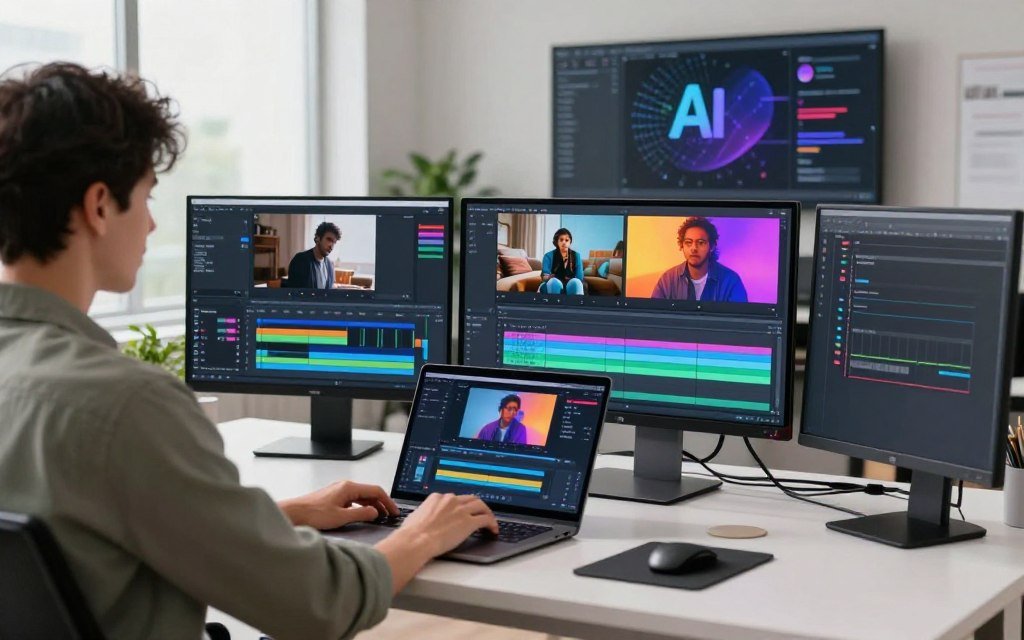
Pictory is designed to be easy and intuitive, allowing users to create professional-looking videos with minimal effort. Its streamlined interface makes it accessible to users without extensive video editing experience.
InVideo, on the other hand, offers more advanced features that may require a learning curve. While this can be daunting for beginners, experienced users can leverage these features to create complex, customized videos.
Onboarding Process and Tutorials
Both platforms provide onboarding processes and tutorials to help users get started. Pictory’s tutorials are designed to be straightforward, guiding users through the video creation process quickly.
InVideo also offers comprehensive tutorials and a user manual, which can be particularly helpful for users looking to utilize its more advanced features.
Customer Support Options
Effective customer support is crucial for resolving issues and improving the user experience. Pictory offers support through various channels, including email and live chat.
InVideo provides a similar range of support options, with a focus on providing detailed resources and responsive customer service.
Comparison of Support Features
| Support Feature | Pictory | InVideo |
|---|---|---|
| Email Support | Yes | Yes |
| Live Chat | Yes | Yes |
| Knowledge Base | Yes | Yes |
| Phone Support | No | Yes |
Ultimately, the choice between Pictory and InVideo will depend on your specific needs regarding ease of use and the level of support required.
7. Video Quality and Output Options
Both Pictory and InVideo offer various output options, but their video quality and customization capabilities differ significantly. Understanding these differences is crucial for choosing the right tool for your video creation needs.
Export Quality and Resolution Settings
Pictory allows users to export videos in various resolutions, including HD (1080p) and 4K, depending on the chosen plan. InVideo also supports high-resolution exports, with options for HD (1080p) and 4K resolutions. However, the availability of these options may depend on the specific template and assets used.
The export quality of both platforms is generally high, but the specific output may vary based on the source media and the complexity of the project. It’s essential to review the output quality of both tools using your specific content to determine which meets your standards.
Rendering Speed and Performance
Rendering speed is a critical factor in the video creation process. Pictory is known for its fast rendering capabilities, often producing videos in a matter of minutes. InVideo also offers competitive rendering speeds, although the performance can vary depending on the project’s complexity and the assets used.
Both platforms utilize cloud-based rendering, which helps to reduce the load on local hardware and ensures that the rendering process does not significantly impact the user’s computer performance.
Branding, Watermarks, and Customization
When it comes to branding and customization, both Pictory and InVideo offer various options. Pictory allows users to add their own logos and branding elements to the videos, ensuring a professional finish. InVideo also supports branding customization, including the addition of logos and the removal of watermarks on paid plans.
The ability to customize the output with your branding is crucial for businesses and creators looking to maintain a consistent visual identity across their videos.
8. Best Use Cases for Each Platform
When it comes to choosing between Pictory and InVideo, understanding the best use cases for each platform is crucial. Both tools offer unique strengths in AI-powered video creation, but they cater to different needs and user preferences.
Pictory and InVideo have distinct features that make them suitable for various applications. By examining their capabilities and limitations, you can make an informed decision about which tool is best for your specific video creation requirements.
8.1. When to Choose Pictory
Pictory is ideal for users who need to create high-quality videos quickly and efficiently. Its automated video creation capabilities make it perfect for:
- Marketing teams looking to produce promotional videos rapidly
- Content creators who need to generate social media clips
- Businesses seeking to automate their video content production
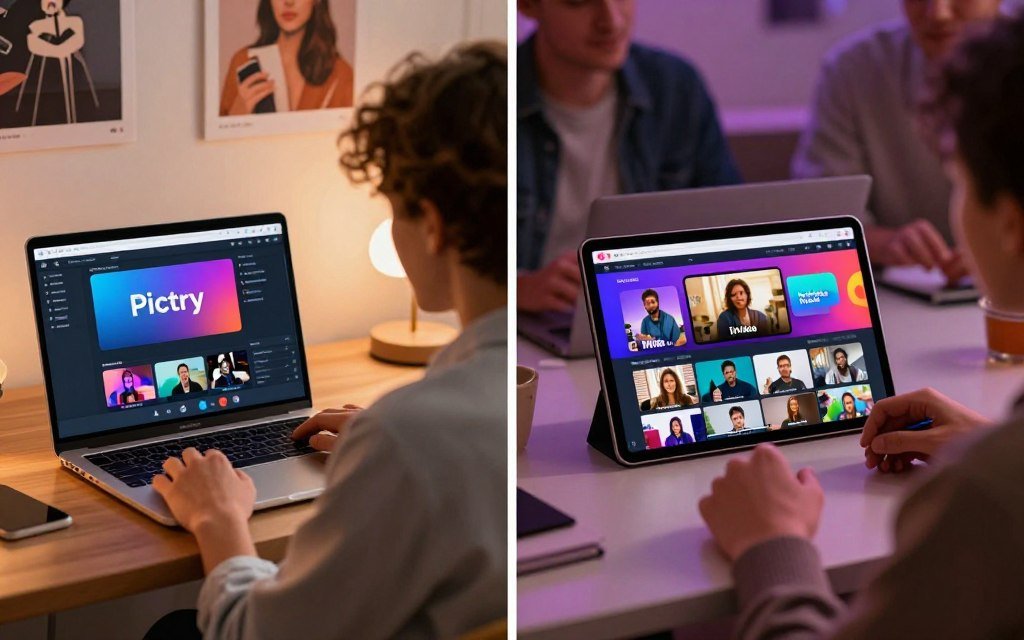
Pictory’s strength lies in its ability to streamline the video creation process, allowing users to focus on other aspects of their projects. Its user-friendly interface and automated editing features make it an excellent choice for those who are new to video creation or need to produce content under tight deadlines.
8.2. When to Choose InVideo
InVideo is better suited for users who require more creative control over their video projects. Its extensive template library and customization options make it ideal for:
- Professionals who need advanced editing features
- Businesses that require branded video content with specific templates
- Creators who want to produce complex, high-end videos
InVideo’s flexibility and customization capabilities make it a great choice for users who need to produce tailored video content. Its robust feature set and extensive asset library provide the tools necessary for creating sophisticated videos.
8.3. Target Audience for Each Tool
Understanding the target audience for each platform can help you make a more informed decision. Pictory is geared towards users who prioritize speed and ease of use, such as:
- Small business owners
- Marketing professionals
- Social media influencers
InVideo, on the other hand, is designed for users who require more advanced features and customization options, including:
- Video production professionals
- Large enterprises
- Creative agencies
By considering your specific needs and the type of content you want to create, you can choose the platform that best aligns with your goals.
9. Pictory vs InVideo: Which AI Video Maker Should You Choose?
Choosing between Pictory and InVideo ultimately depends on your specific video creation needs and preferences. Both platforms offer robust AI video creation tools that cater to different aspects of video production.
To make an informed decision, let’s examine a side-by-side comparison of the two platforms, highlighting their strengths and weaknesses.
9.1. Side-by-Side Comparison Chart
| Feature | Pictory | InVideo |
|---|---|---|
| AI-Powered Editing | Advanced text-to-video conversion | Robust script-to-video capabilities |
| Template Library | Varied templates for different industries | Extensive library with customization options |
| Stock Media | Access to a large media library | High-quality stock media assets |
| Pricing | Competitive pricing plans | Flexible pricing options |
9.2. Winner by Category
After comparing Pictory and InVideo across various categories, it’s clear that each platform excels in different areas.
- Pictory stands out for its advanced AI-powered editing capabilities and ease of use.
- InVideo impresses with its extensive template library and robust customization options.
9.3. Final Recommendations Based on Your Needs
When deciding between Pictory and InVideo, consider the following:
- If you prioritize ease of use and quick video creation, Pictory might be the best video creation software for you.
- If you need more control over your video’s customization and are willing to invest time in learning the platform, InVideo is an excellent choice.
Ultimately, the choice between Pictory and InVideo depends on your specific requirements and preferences. By considering your needs and comparing the features of both platforms, you can make an informed decision and choose the AI video creation tool that best suits your video production goals.
10. Conclusion
Choosing between Pictory and InVideo ultimately depends on your specific video creation needs and preferences. Both tools offer unique strengths and cater to different user requirements.
A video maker comparison chart can be a valuable resource in making an informed decision. By considering factors such as feature sets, pricing, and ease of use, you can select the tool that best aligns with your goals.
Ultimately, the best video tool depends on how much control you want and how fast you need results. Whether you prioritize advanced customization options or streamlined automation, both Pictory and InVideo are equipped to help you produce high-quality video content efficiently.
